 BotQNA
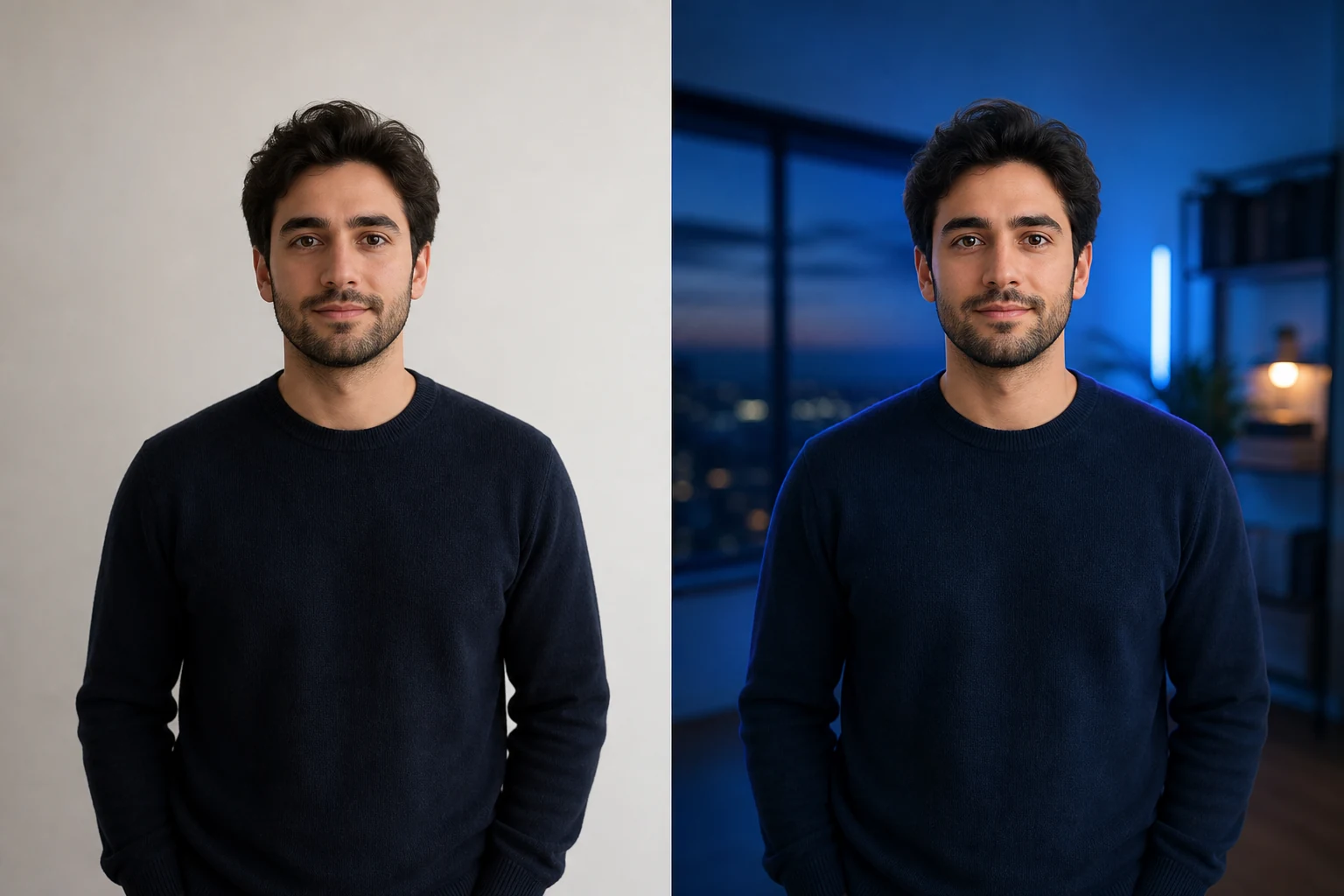 Before / After
Covers · Output ratio 16:9
Social cover
A cinematic wide image with useful open space.
Use this templateWide 16:9 compositions for social and creator covers. Leave space around the face and check the destination platform’s crop before publishing.
2 Available templates · Watermarked previewBefore / AfterA cinematic wide image with useful open space.
Use this template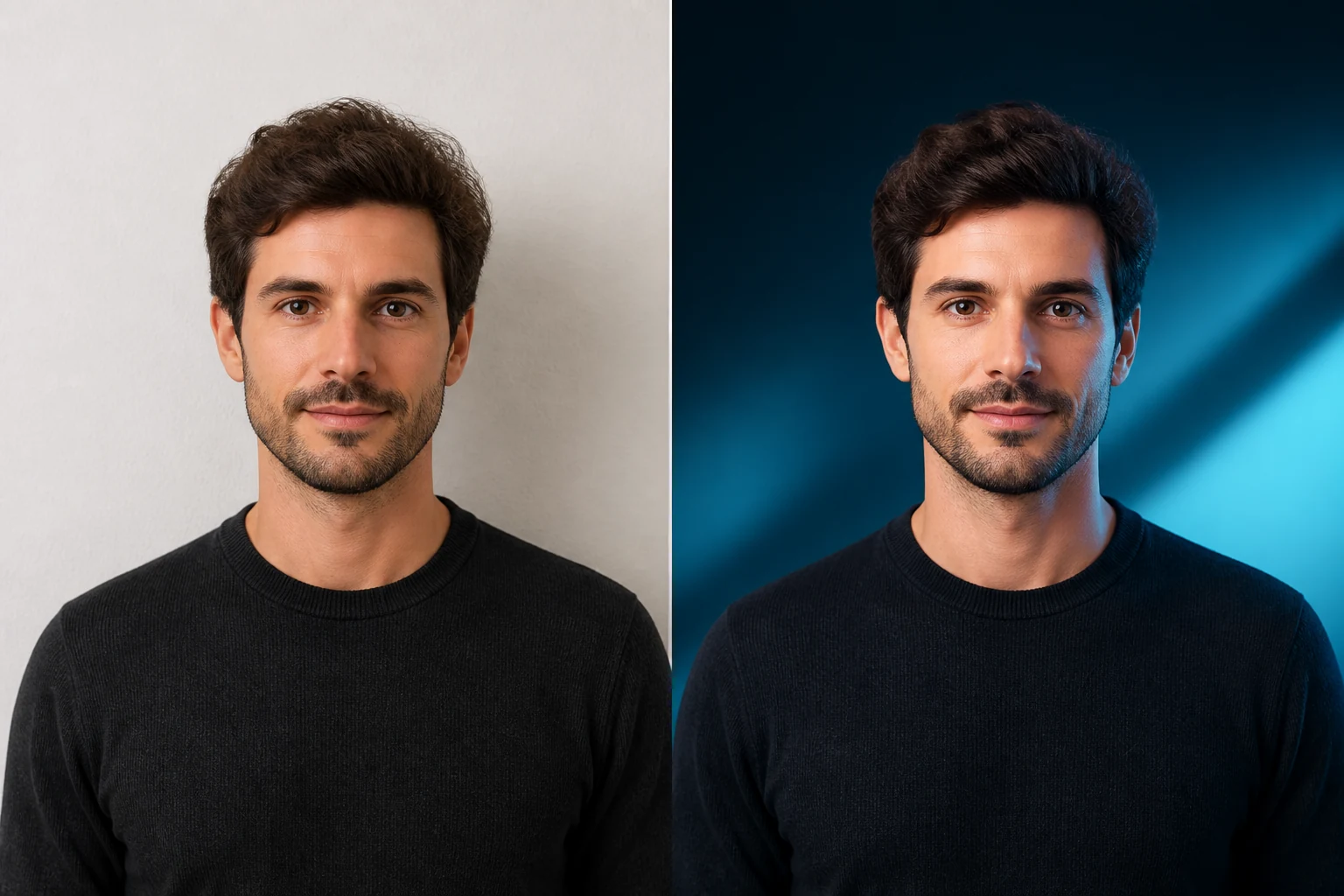 Before / After
Wide blue-hour scene with intentional text-safe space.
Use this templateStart with a clear single-person photo with even light and visible eyes.
Choose a square avatar, a vertical portrait or a wide cover for your actual use.
Check resemblance, eyes, hands, hair and framing in the watermarked preview before unlocking.
Generate one watermarked photo each day. Credit unlocks reset the generation allowance.
Buy Unlock Credits ↗Each preset sends its own style direction and output ratio to the image model. Lighting, medium and composition differ; results also depend on the source photo.
The model is instructed to preserve recognizable identity. Artistic styles simplify detail, and results can vary. These creative templates are not passport-photo validation.
No. Style generation uploads your image for server and model processing. Only the separate image compressor processes images locally.