 BotQNA
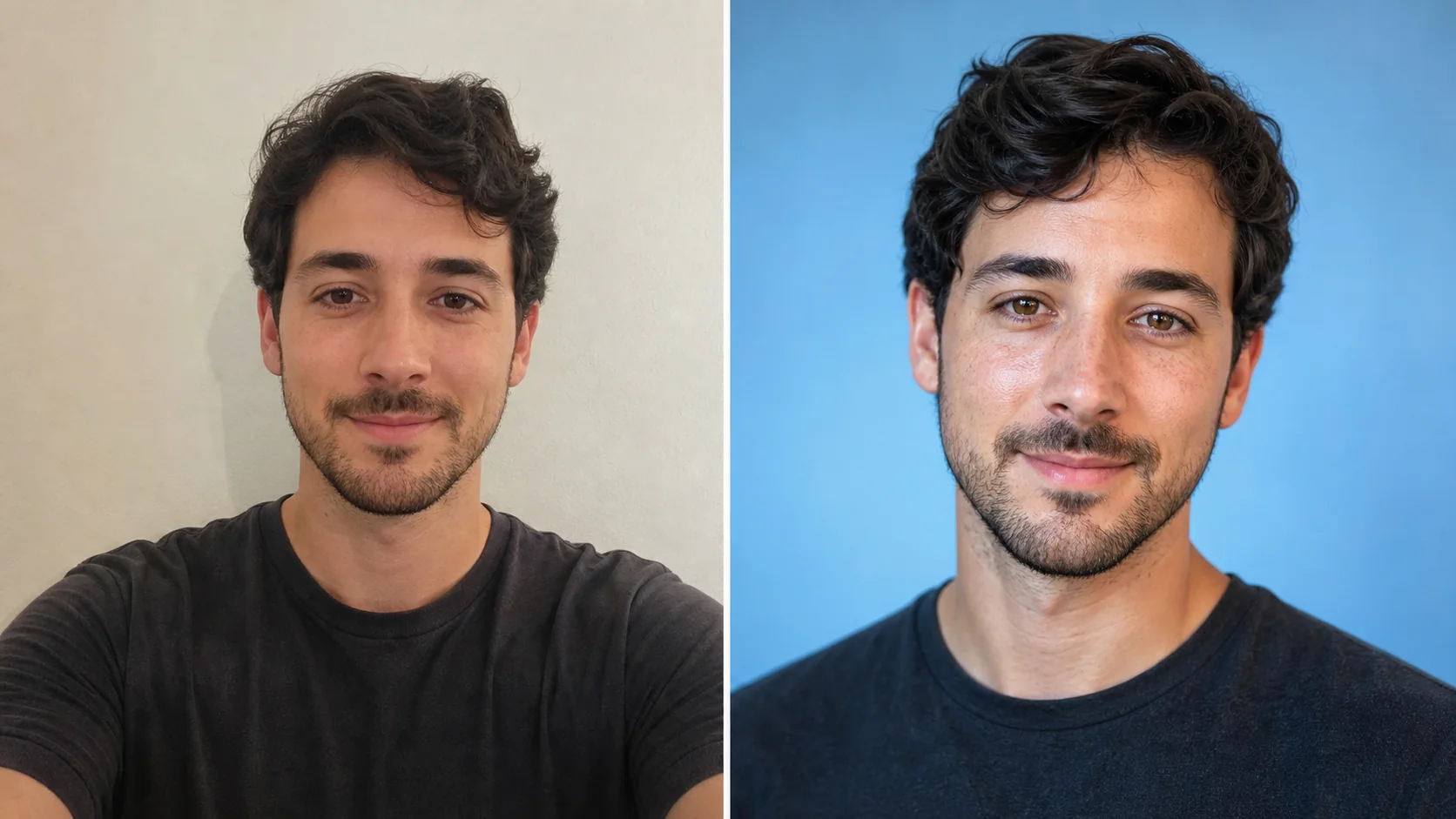 Before / After
Avatars · Output ratio 1:1
Social avatar
Bright, approachable, and clear at small sizes.
Use this templateChoose an avatar, portrait or cover before you generate. Compare the look, framing and output ratio, then open the exact preset in Style Studio.
21 Available templates · Watermarked previewBefore / AfterBright, approachable, and clear at small sizes.
Use this template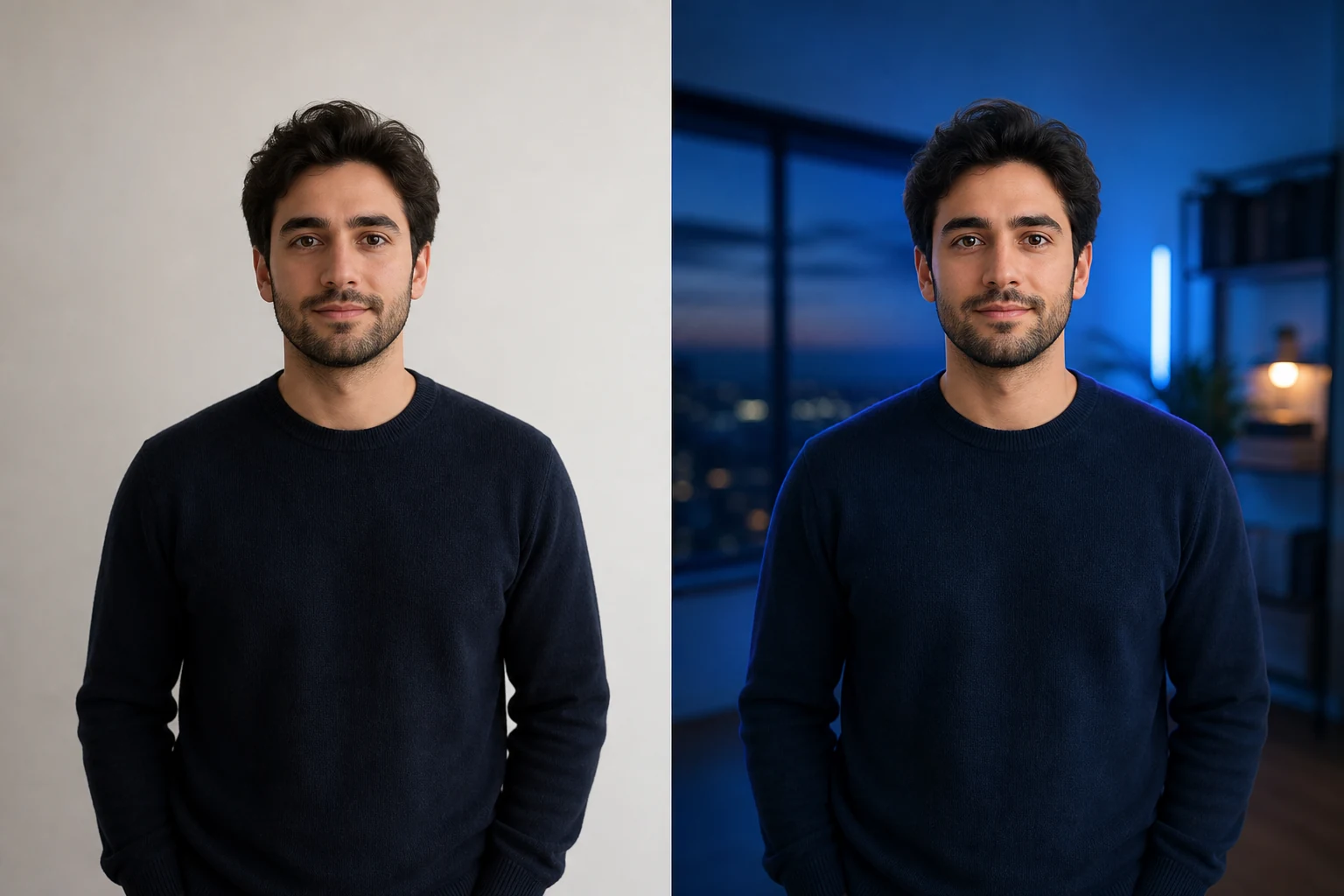 Before / After
A cinematic wide image with useful open space.
Use this template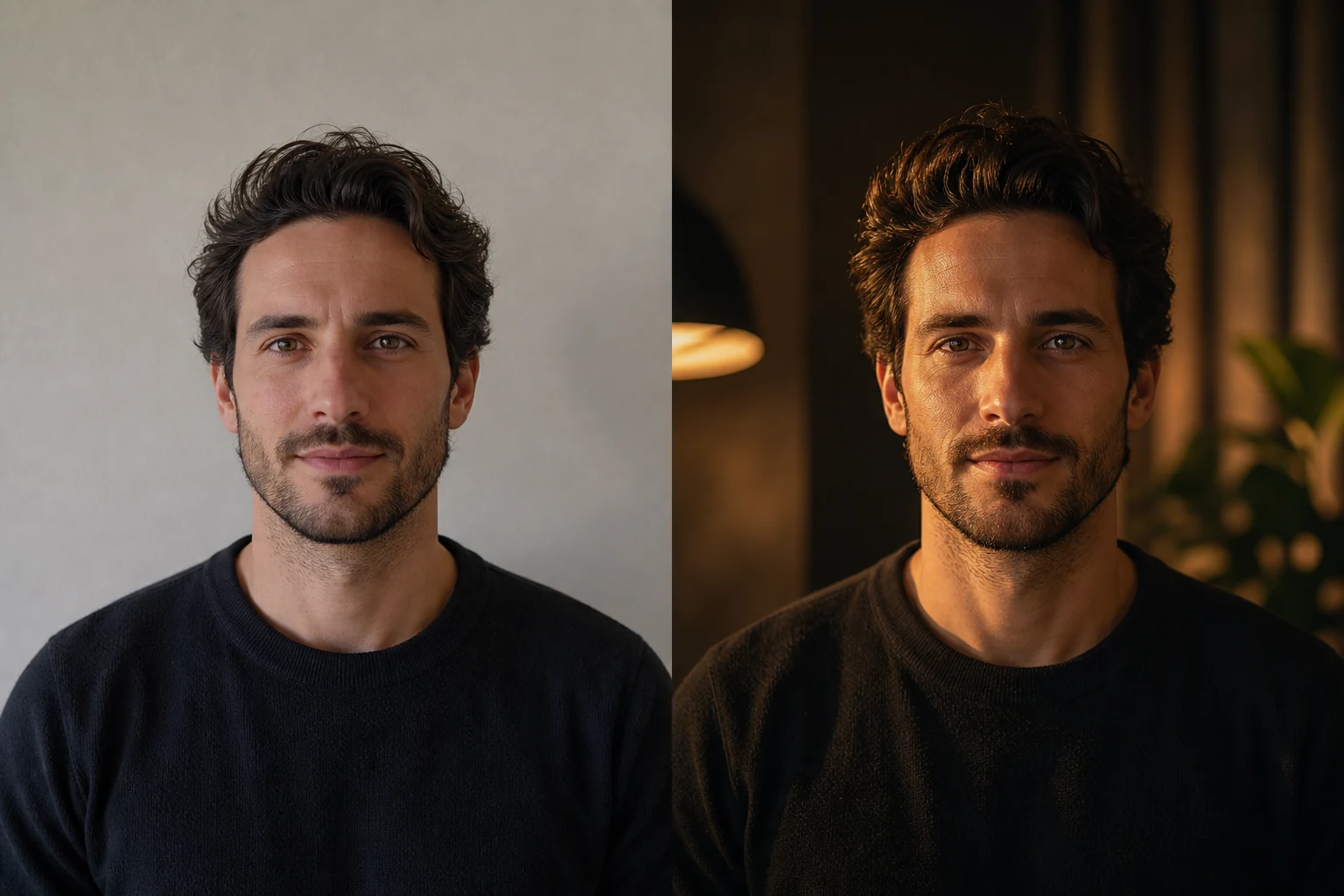 Before / After
Film-inspired light, color, and presence.
Use this template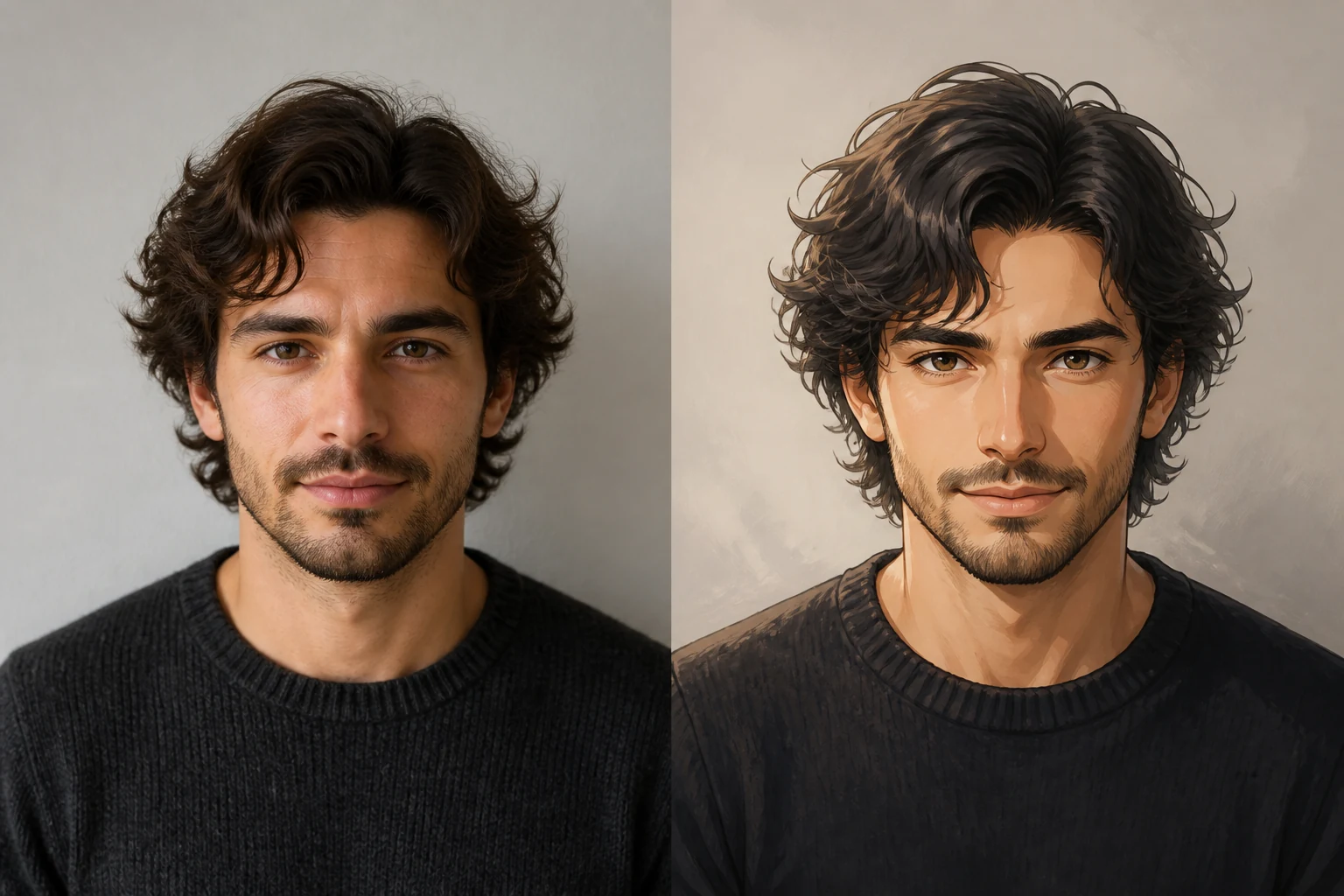 Before / After
Sophisticated animation-inspired artwork.
Use this template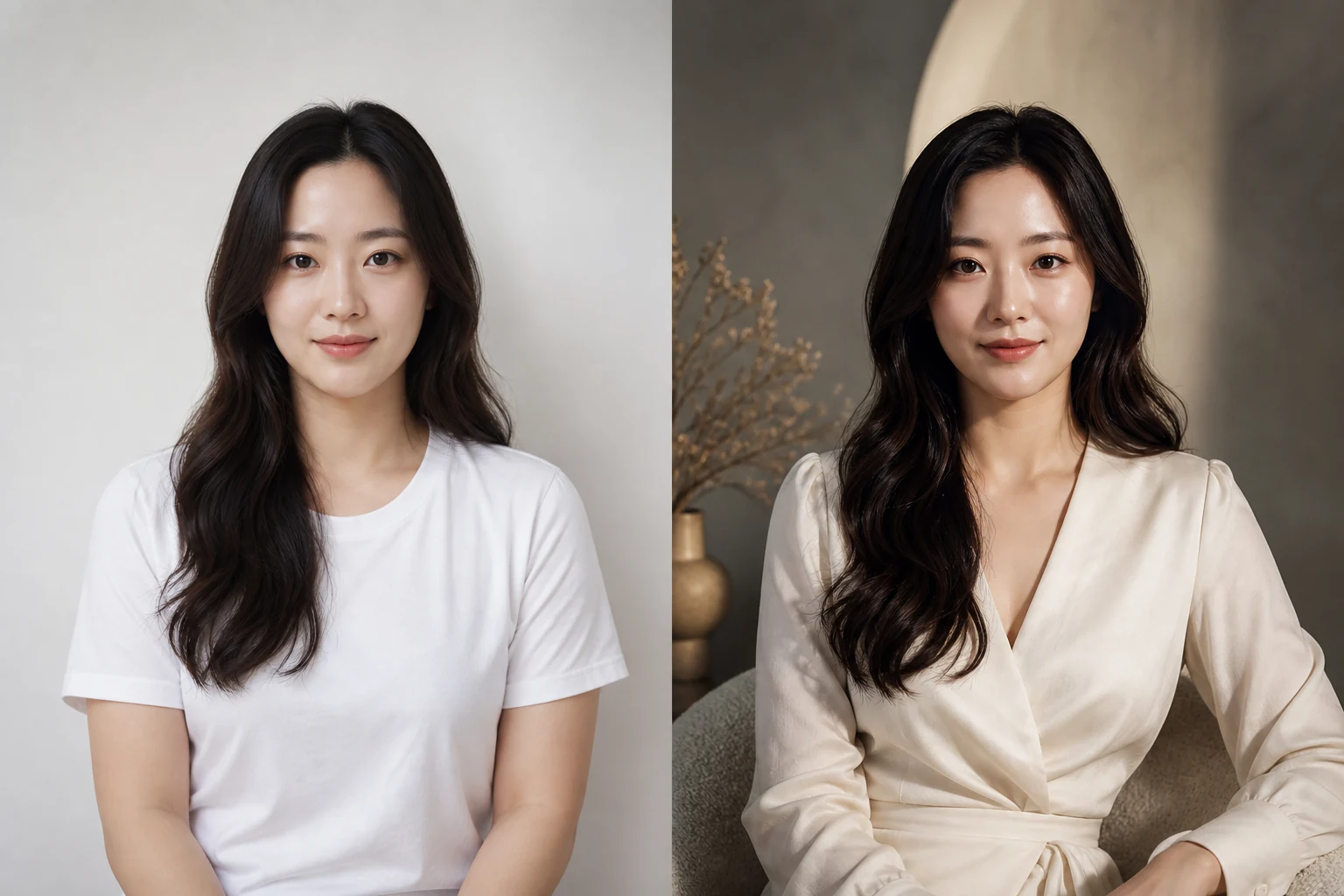 Before / After
Art-directed magazine styling and light.
Use this template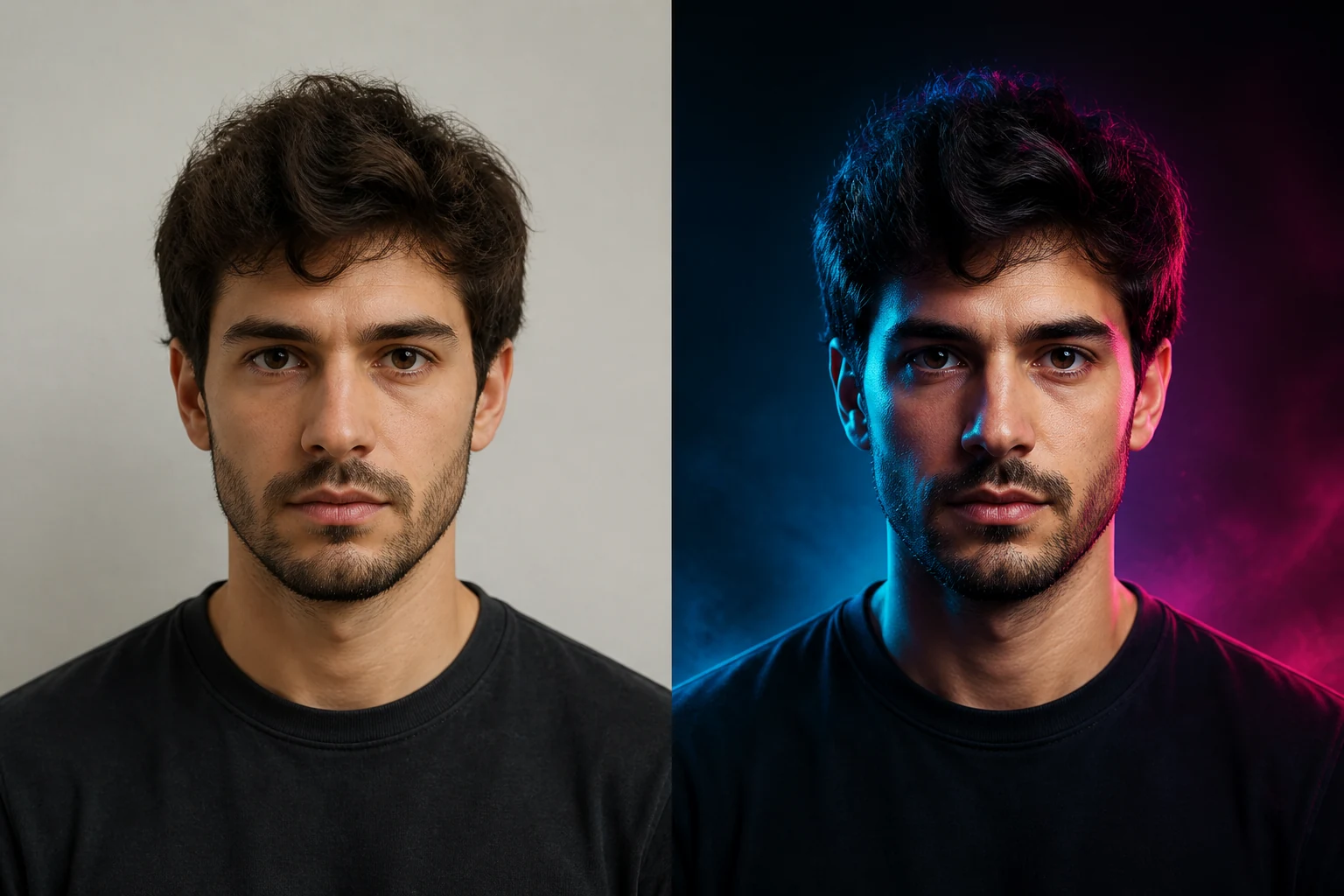 Before / After
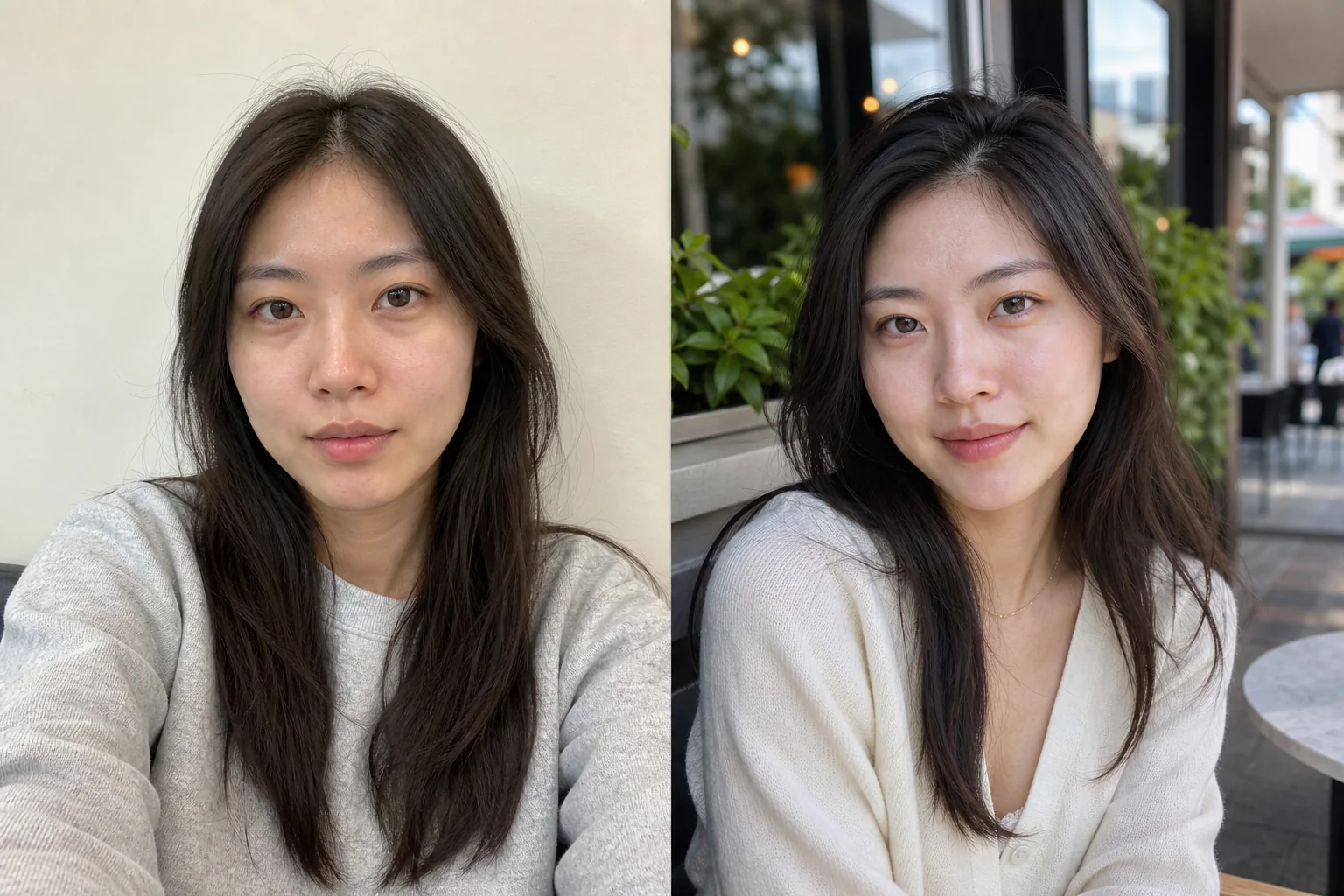 Before / After
Candid outdoor light with credible skin texture.
Use this template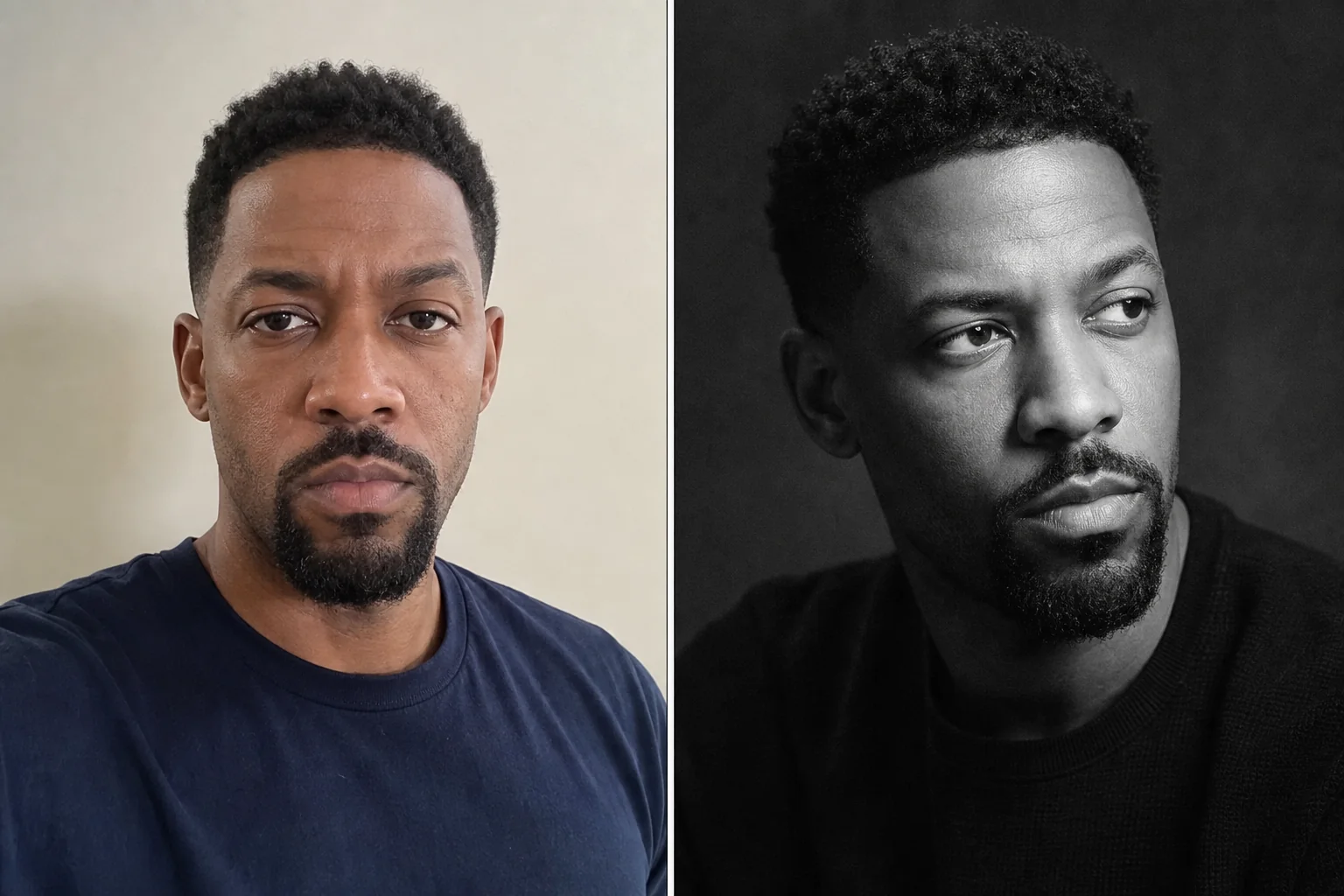 Before / After
Timeless grayscale tones and subtle analog grain.
Use this template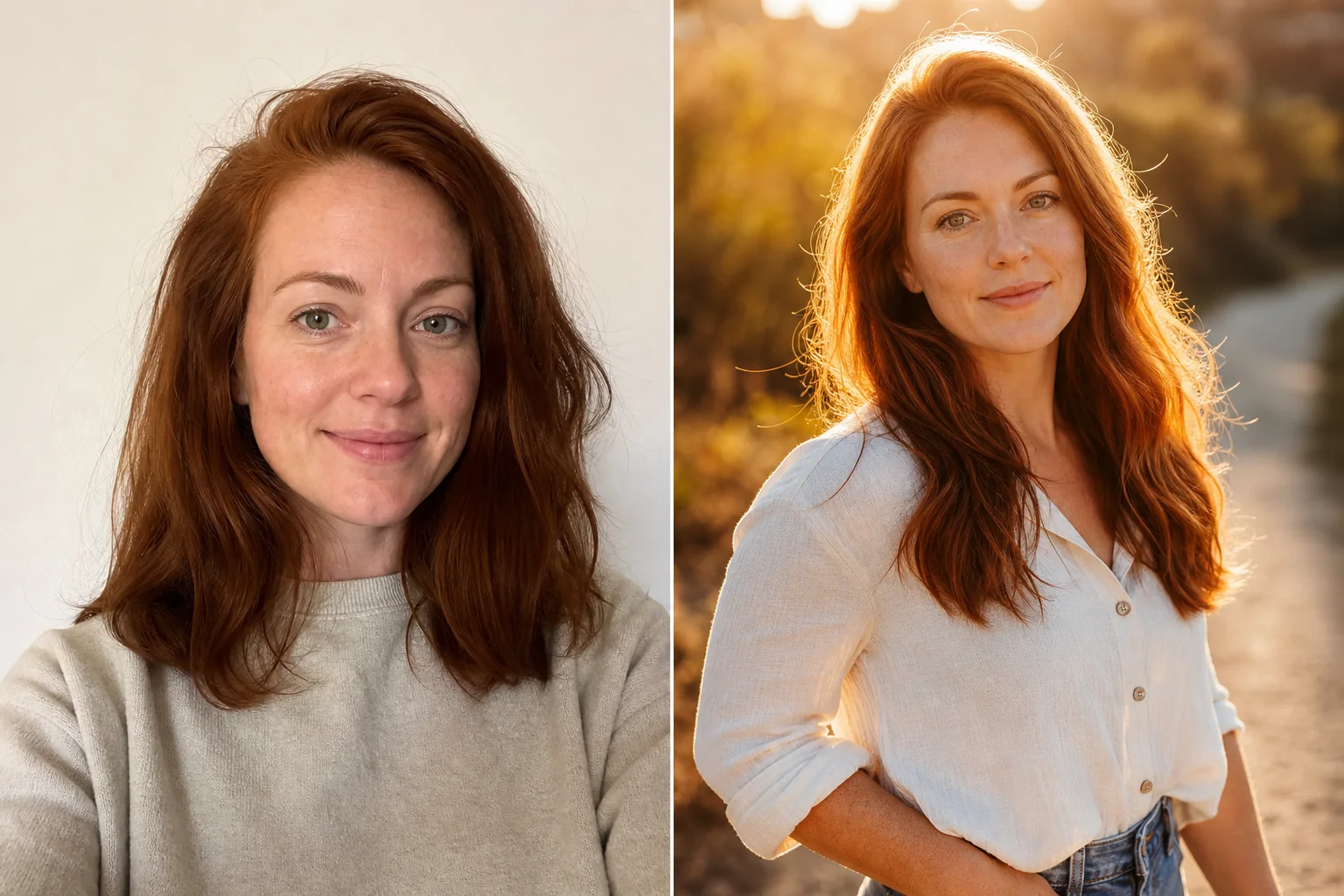 Before / After
Warm sunset backlight and lifestyle depth.
Use this template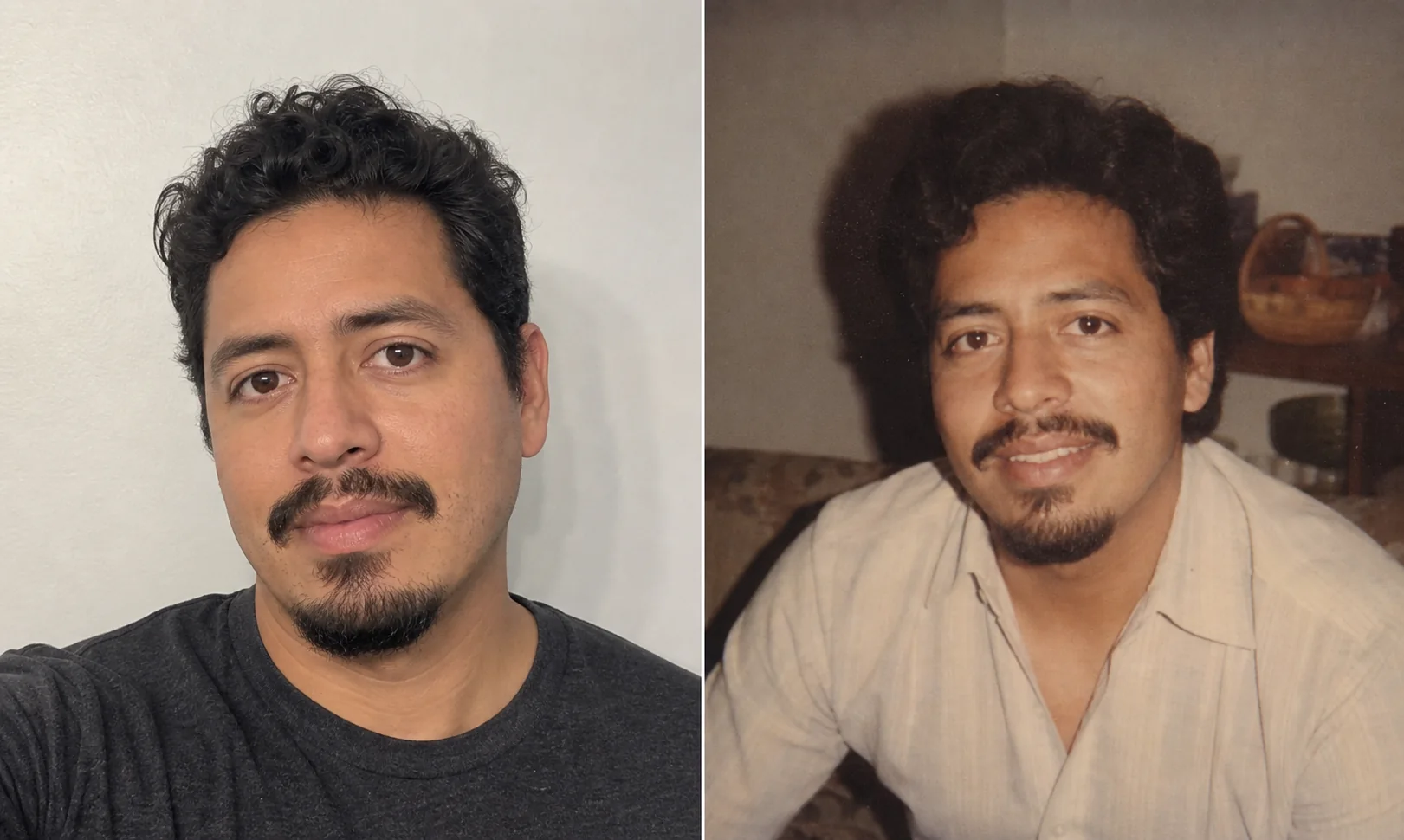 Before / After
Muted color, gentle flash, and nostalgic film texture.
Use this template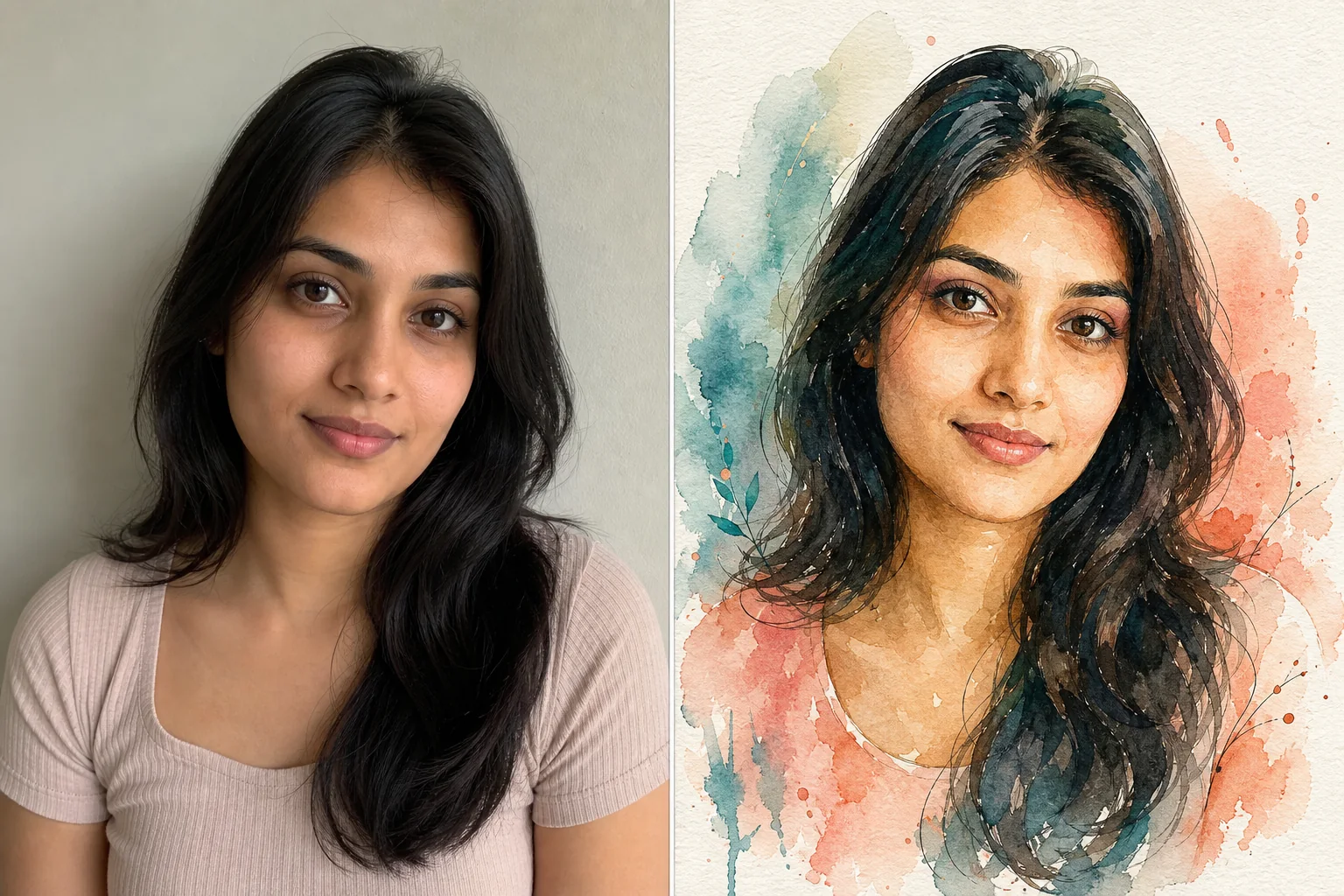 Before / After
Translucent washes, ink detail, and paper texture.
Use this template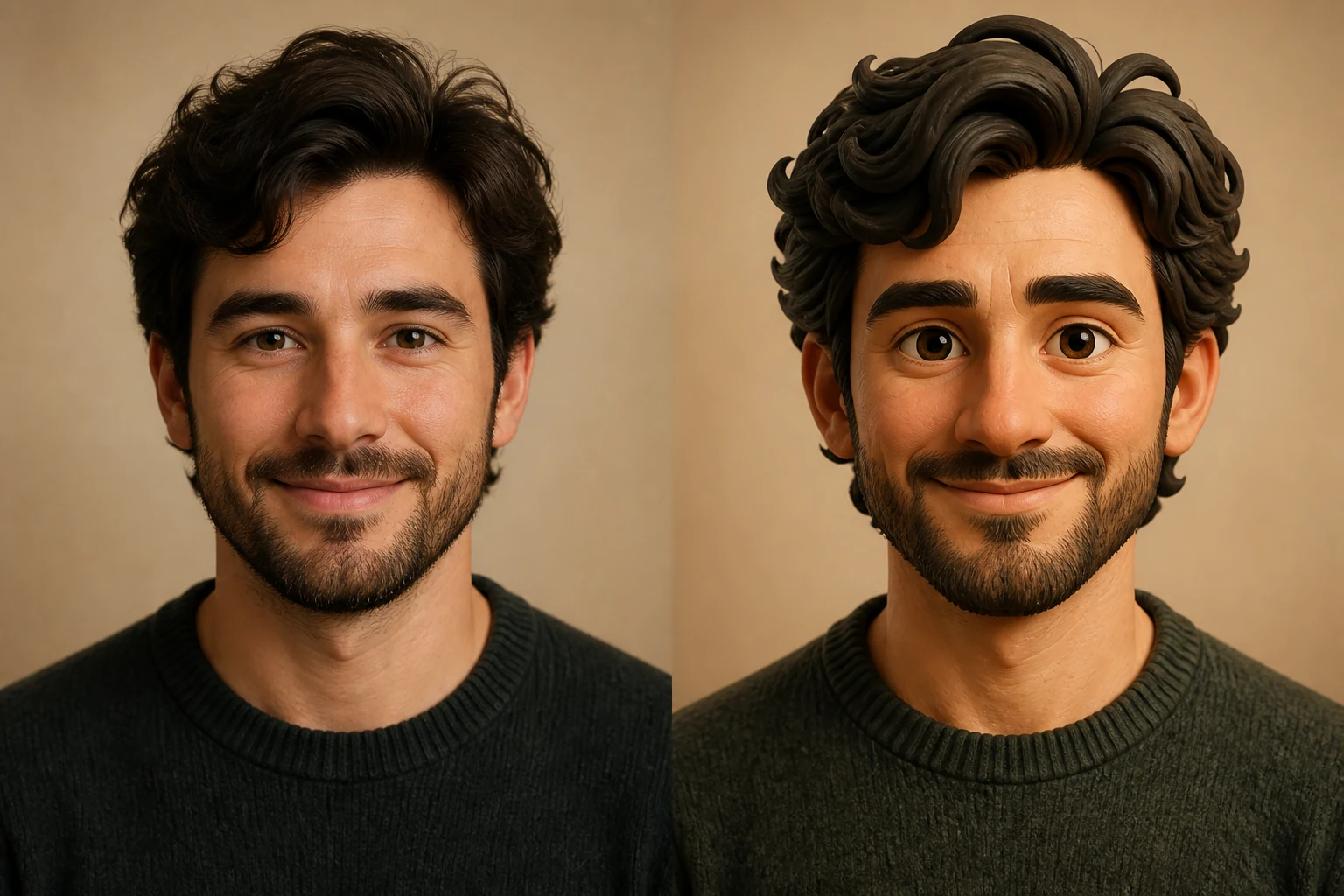 Before / After
Friendly handcrafted character with tactile surfaces.
Use this template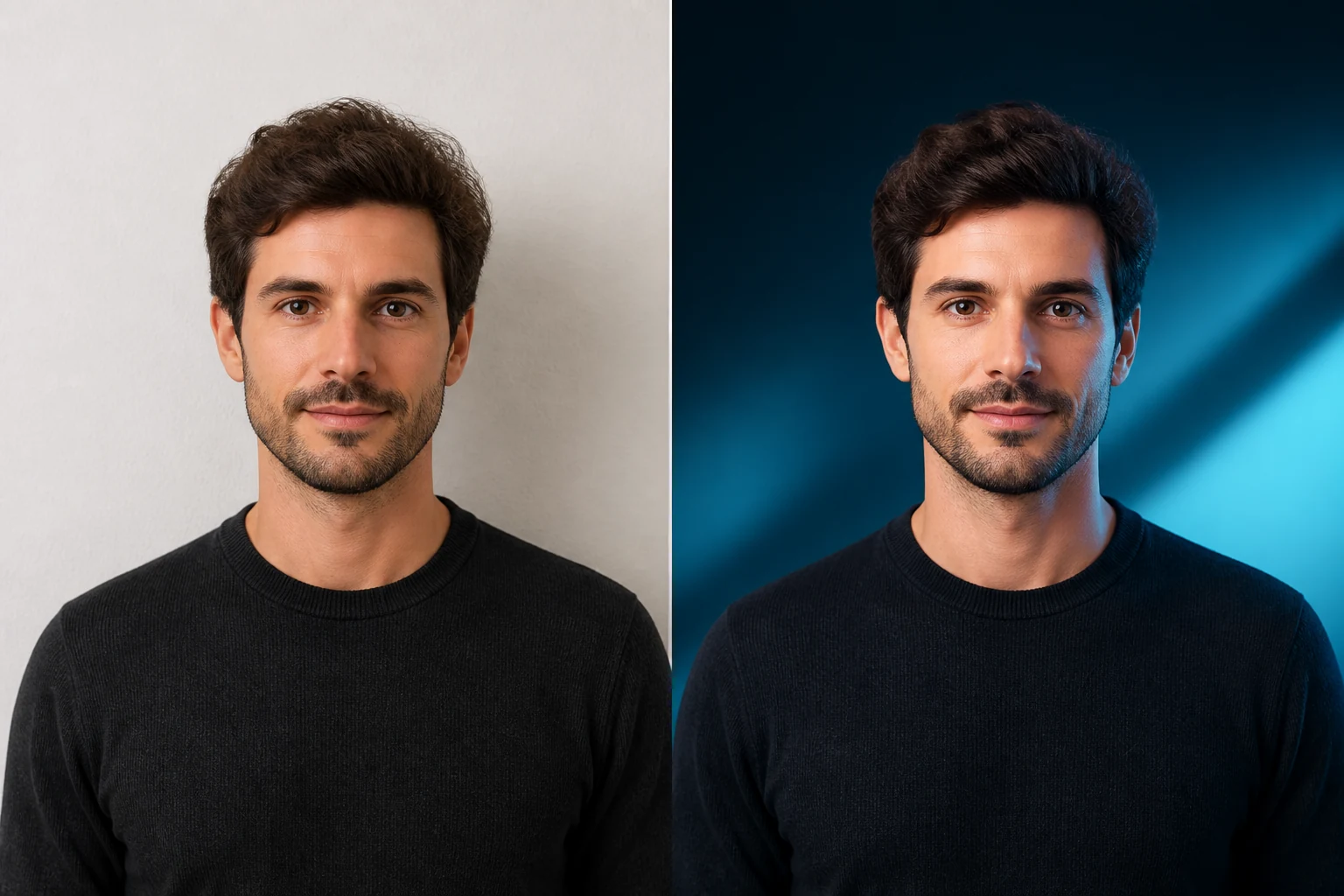 Before / After
Wide blue-hour scene with intentional text-safe space.
Use this templateNo sample available for this preset yet. The text describes the intended direction; review your own preview before unlocking.
Graduation gown, a simple campus setting and soft daylight. Preserve your face; no invented school logos.
Use this templateNo sample available for this preset yet. The text describes the intended direction; review your own preview before unlocking.
A warm studio celebration with a restrained cake-free party background; no age numbers or text.
Use this templateNo sample available for this preset yet. The text describes the intended direction; review your own preview before unlocking.
A relaxed outdoor portrait with a coastal backdrop and believable daylight; no recognizable landmark claims.
Use this templateNo sample available for this preset yet. The text describes the intended direction; review your own preview before unlocking.
An evening street portrait with blue and amber practical light and realistic skin texture.
Use this templateNo sample available for this preset yet. The text describes the intended direction; review your own preview before unlocking.
A classical painted portrait with visible brushwork, canvas texture and recognizable facial proportions.
Use this templateNo sample available for this preset yet. The text describes the intended direction; review your own preview before unlocking.
A graphite portrait on textured paper, with fine hatching and a softly shaded face.
Use this templateNo sample available for this preset yet. The text describes the intended direction; review your own preview before unlocking.
An original graphic comic portrait with ink contours, flat colors and a readable circular crop.
Use this templateNo sample available for this preset yet. The text describes the intended direction; review your own preview before unlocking.
An original pixel-art portrait with deliberate square edges and a limited palette. Fine facial detail is simplified.
Use this templateStart with a clear single-person photo with even light and visible eyes.
Choose a square avatar, a vertical portrait or a wide cover for your actual use.
Check resemblance, eyes, hands, hair and framing in the watermarked preview before unlocking.
Generate one watermarked photo each day. Credit unlocks reset the generation allowance.
Buy Unlock Credits ↗Each preset sends its own style direction and output ratio to the image model. Lighting, medium and composition differ; results also depend on the source photo.
The model is instructed to preserve recognizable identity. Artistic styles simplify detail, and results can vary. These creative templates are not passport-photo validation.
No. Style generation uploads your image for server and model processing. Only the separate image compressor processes images locally.