All photo workflowsProfessional headshot guide: LinkedIn, résumés and business portraits
Choose the right headshot, prepare a clear source photo and review AI results before unlocking a watermark-free original.
Choose a photo for its actual use

Create an approachable square profile portrait for LinkedIn and professional networks. Start with a close-up, soft light and business-casual attire; check that the face stays clear inside a small circular crop.
Choose this workflow →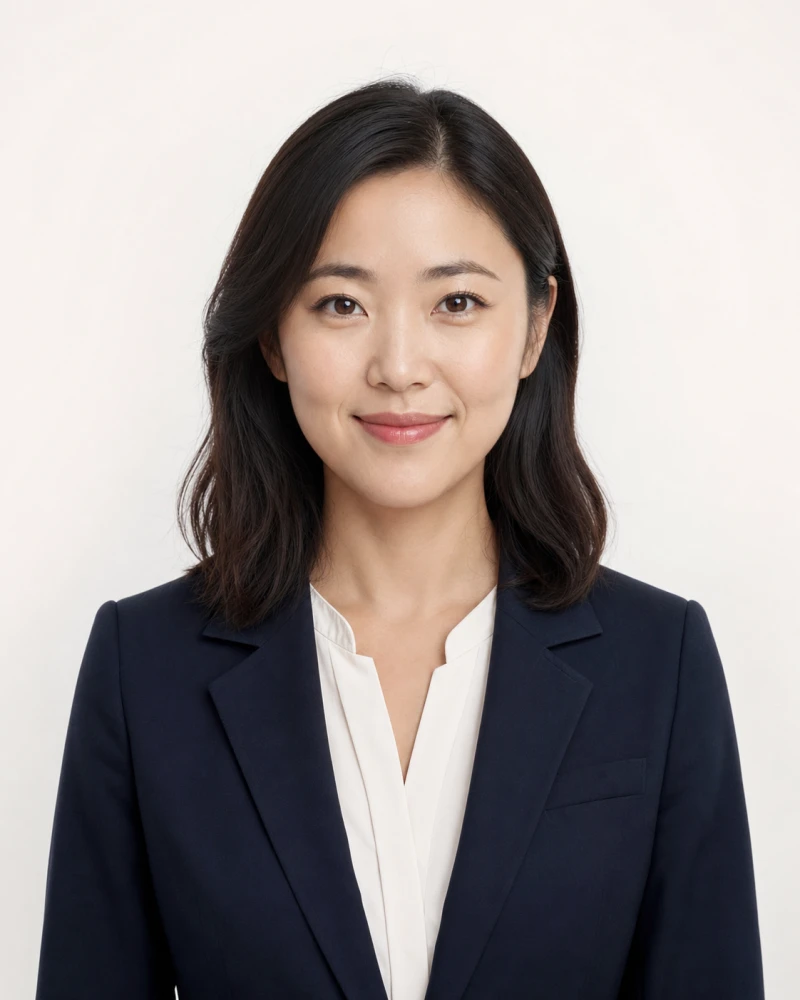
Prepare a straight-on, head-and-shoulders portrait for a résumé, portfolio or company profile. The 4:5 preset uses balanced studio light and professional attire. Follow the employer’s instructions on whether to include a photo.
Choose this workflow →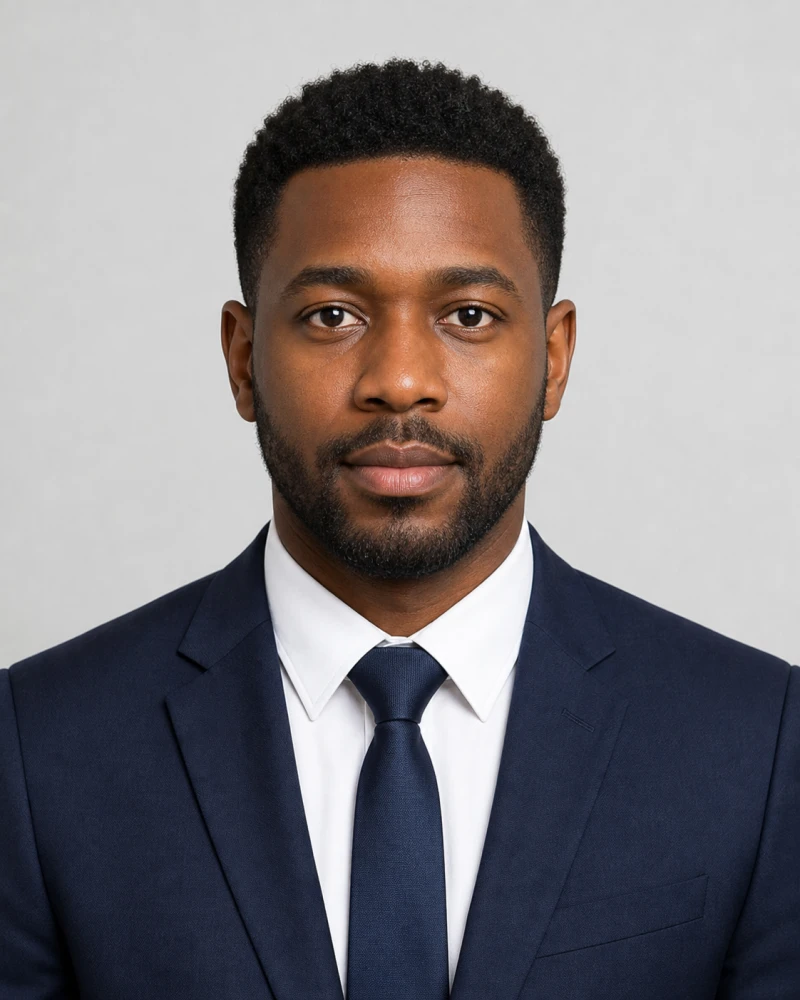
Create a centered, level-shouldered 4:5 portrait with a neutral expression and minimal retouching for employee badges or staff directories. Check your organization’s crop and background requirements; this is not a passport validation service.
Choose this workflow →
Create an upper-body portrait for a company biography, speaker page or personal website. The business preset emphasizes posture, executive attire and defined lighting. Check clothing and shoulder details as well as facial likeness.
Choose this workflow →Illustrative style example. Your result will depend on your source photo and settings.
Prepare a source photo that looks like you
- Use a recent, sharp photo of one person, facing the camera, with the entire face and shoulders visible.
- Use even light from in front of you. Avoid strong side shadows, backlighting, beauty filters and sunglasses.
- Leave room around your hair and chin. Do not upload a screenshot of a tiny profile picture.
- Start with a simple background and attire appropriate to your audience. Change one setting at a time to compare results.
Check the result before you unlock
Compare the preview with your source at full size: face shape, eyes, teeth, hairline, skin texture and clothing edges. Then check it at the small size where it will be used. If it no longer looks like you or contains visible artifacts, do not unlock it. AI results vary; a preset is a starting point, not a guarantee.
Preview, credits and downloads
Sign in to generate a watermarked preview. One credit unlocks one clean original; buying credits alone does not unlock an image. Review the current allowance in the studio and current pack prices on the credits page. Unlock only after you are satisfied with the preview.
See current credit packs ↗Before you create your headshot
Which photo should I choose for LinkedIn?
Start with the square LinkedIn preset. Keep your face recognizable in a small circular crop and leave enough space around your head. A relaxed expression and a quiet background help the face remain the focus.
Should I put a photo on my résumé?
Follow the employer’s application instructions and the expectations of your target market. A résumé photo is not always requested. If you need one, use the professional headshot preset; otherwise keep the photo for your profile or portfolio.
Can an employee-badge portrait be used for a passport?
No preset guarantees official acceptance. The formal ID-style portrait is intended for staff profiles and business records. Passport and visa applications have separate rules; check the issuing authority before using any AI-generated or edited image.
Do the example images guarantee my result?
No. They illustrate the intended style, not a customer testimonial or a guaranteed transformation. Review your own preview for identity and image quality before spending a credit.
Image compressor
Compress and resize images locally. Compare JPEG, WebP, AVIF and lossless PNG before downloading.
Compress → BotQNA